
¶ LogicRF Documentation
Find device guides, software instructions and integration references.
¶ Product guides
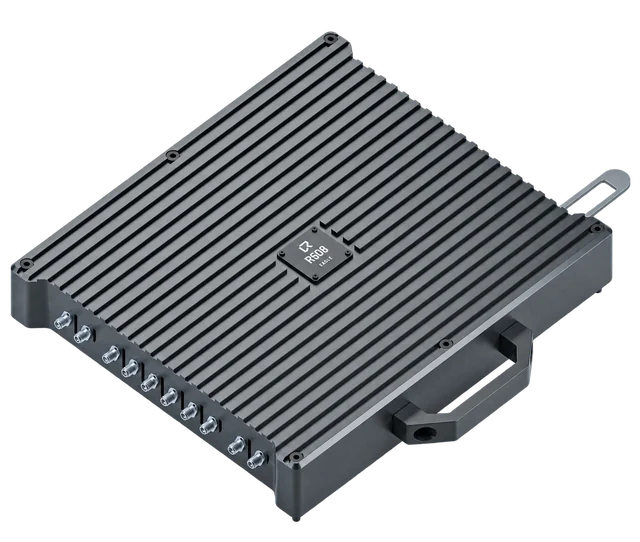
¶ Eagle R508
Eight-channel RF acquisition. Starts in STREAM and also includes RAW and SAM.
¶ Product previews
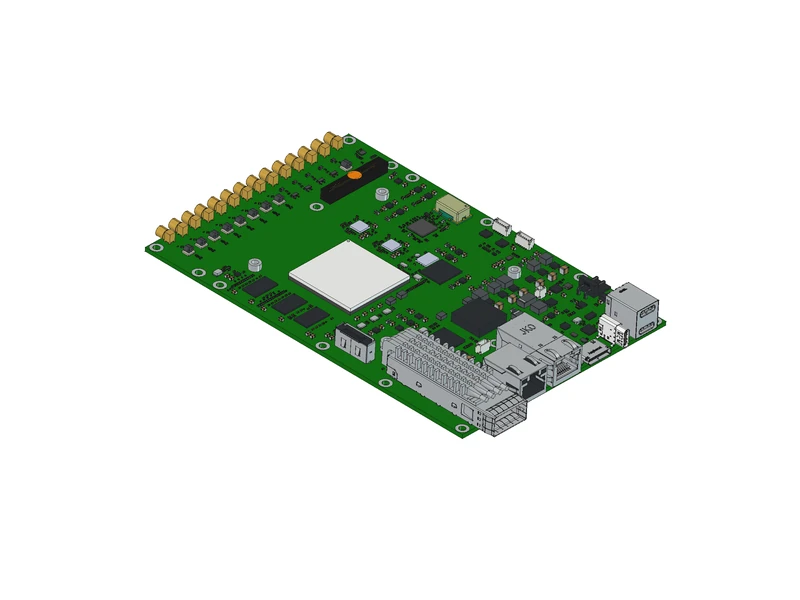
¶ Osprey T808
RFSoC SDR platform with eight receive channels. Transmit options depend on the companion daughtercard.
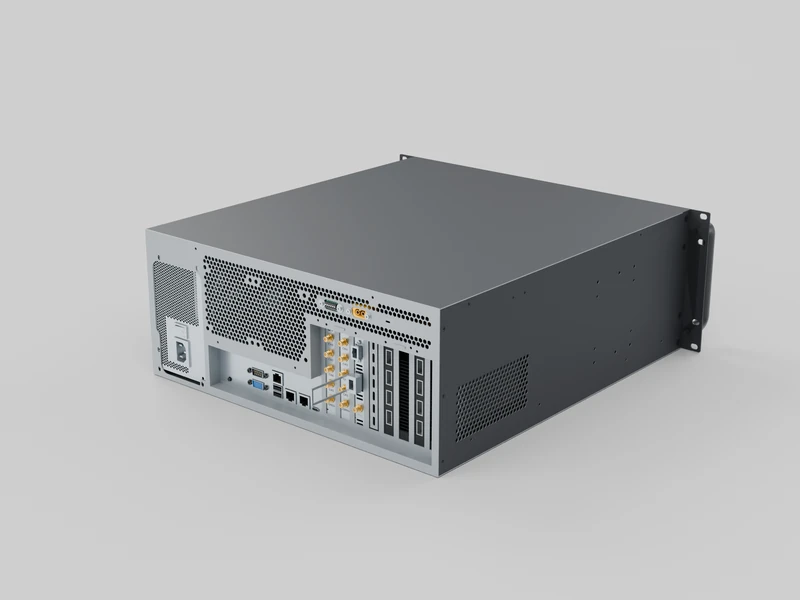
¶ Raven S508
Multichannel high-speed signal acquisition and storage system. Explore the rear panel, host processing and storage interfaces.
¶ General-purpose software
Device management, development, acquisition and storage.
On the device · Access from a management browser
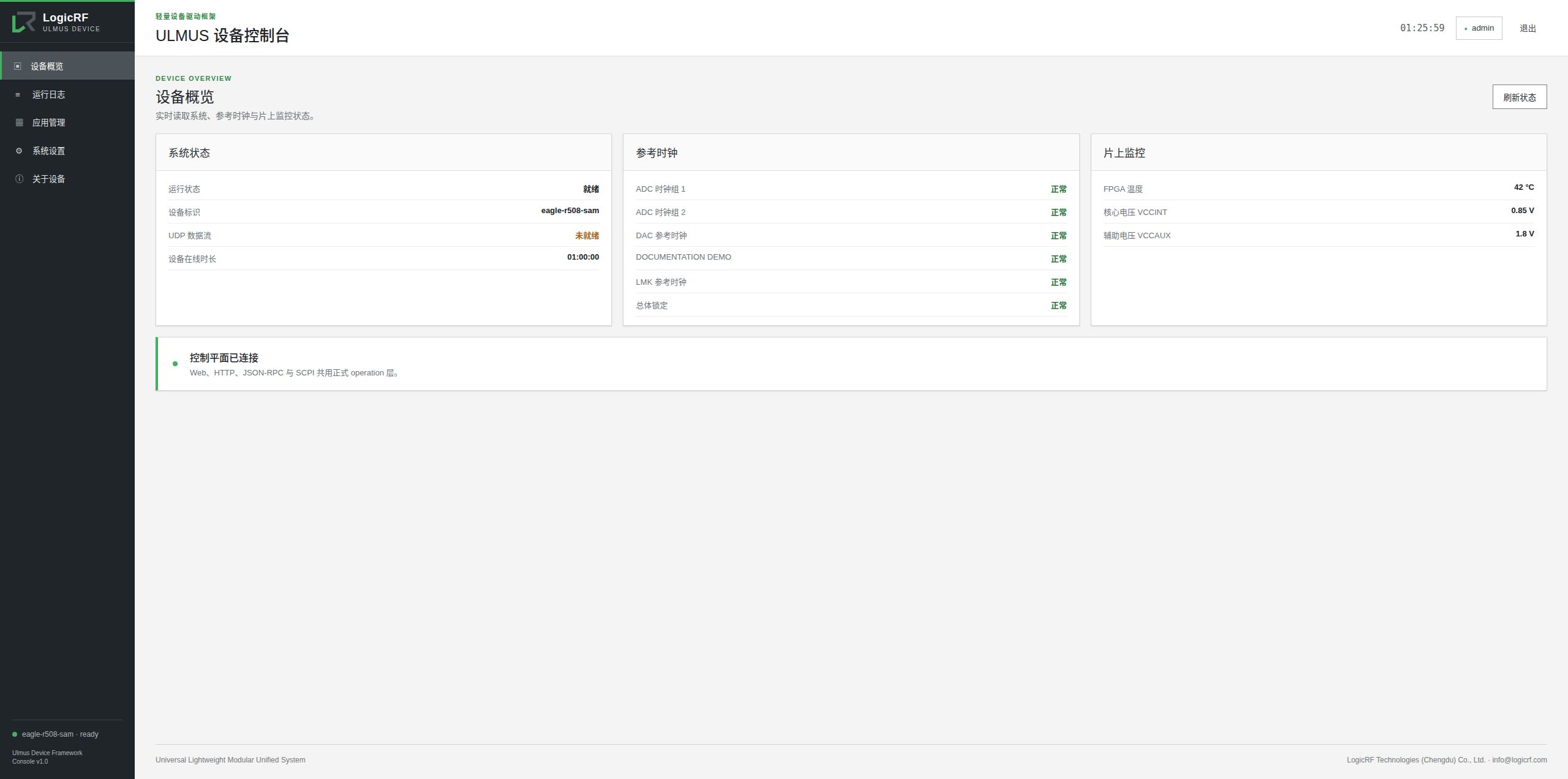
¶ ULMUS
Device application runtime and management. Identify, switch and check applications on the device.
On a development or receiving host
¶ Device SDK
On a development or receiving host, access the device and receive and parse data using its adapter protocol.
Development or receiving host
Your applicationDevice SDKDevice adapter
Access devices · Receive data · Parse by protocol
On the receiving host
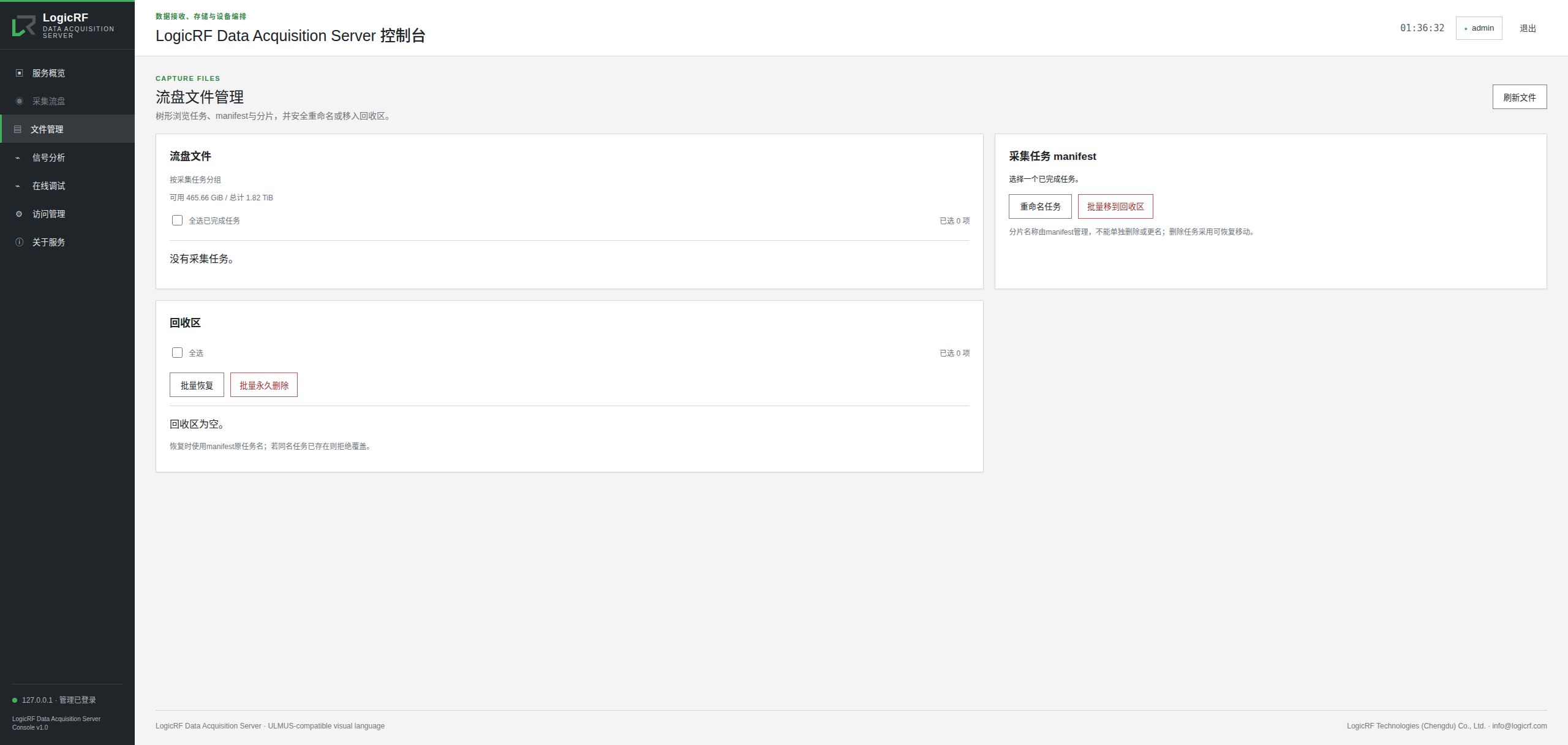
¶ DAQ Server
Acquisition tasks, data reception and storage. Manage tasks, files and metadata on the receiving host.
¶ Frequently asked questions
Get supportHow do I choose between ULMUS, Device SDK and DAQ Server?
Use ULMUS to manage device applications, Device SDK for programmatic access and integration, and DAQ Server for acquisition tasks and storage. Check the interfaces and capabilities supported by your product model and delivery.
How do I start receiving with Hawk H102?
Connect your delivered device, configure it with the IIO GUI and complete a finite reception.
How do I record and inspect IQ files with Eagle R508?
With the receiving host deployed, record at a low-rate STREAM profile, check the metadata and open spectrum analysis.
How do I receive R508 STREAM V1 data?
Confirm STREAM App04 and the host data interface, then inspect the V1 datagram header in Python.
Where can I find software, versions and troubleshooting guides?
Start with Downloads and versions for software and images. Use the relevant product guide or Support for device questions. Authorized customer resources are accessed through your customer account.