Use Quick start to connect the R508, sign in to ULMUS, and save a short IQ file from DAQ Web. If the receiving server is new, follow Server setup before recording.
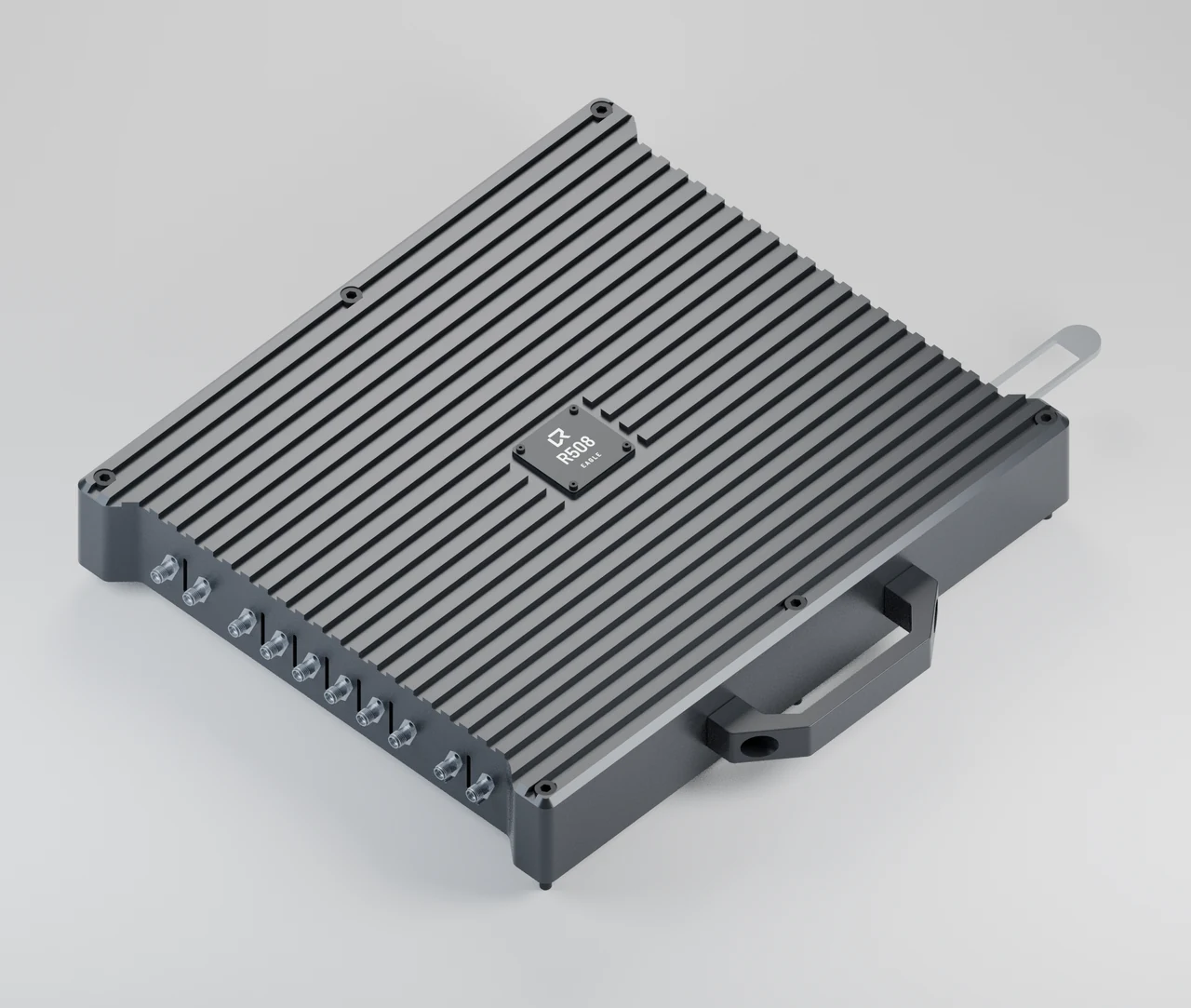
Product illustration supplied by LogicRF. Connector locations, electrical specifications and assembly depend on the delivered hardware revision.
¶ First-use reading route
| Your situation | Start with |
|---|---|
| The device and receiving server are set up | Connect, sign in and make a first capture |
| An existing device boots and needs a framework or app update | Managed online update |
| You need a new system card | Device deployment and first boot |
| The receiving server needs software | Receiving server setup |
| You want desktop recording and file analysis | Delivered desktop software and file analysis |
| You want to write your own control and receive software | Develop directly with JSON-RPC |
| You want to manage the device or acquire data in a browser | Web guide |
¶ Choose an application
| Task | Application | Data |
|---|---|---|
| Receive existing headerless UDP packets | RAW | Fixed raw packets; do not assume IQ ordering or source sequence information |
| Record multichannel IQ | STREAM | Start at 8 MHz / 10 MSPS. Check the active manifest for other profiles and channels |
| Obtain spectrum snapshots or control the DAC | SAM | Bounded SAM1 power spectra, not continuous IQ files |
The current STREAM delivery includes RAW, STREAM and SAM and starts STREAM by default. In ULMUS, check that the active application is ready. For the first recording, select 8 MHz / 10 MSPS, ADC1–8 and one V1 flow. For existing devices, check the applications and host software against the delivery manifest.
¶ Start here
| Task | Guide |
|---|---|
| Check connectors, power and reference clock requirements | Hardware reference |
| Check acquisition results, headers and valid file ranges | User guide |
| Manage applications and client access | ULMUS |
| Write a control program | Developer guide, RAW / STREAM / SAM APIs |
| Obtain examples, upgrade or troubleshoot | Downloads, versions and upgrades, troubleshooting |
¶ Control and data paths
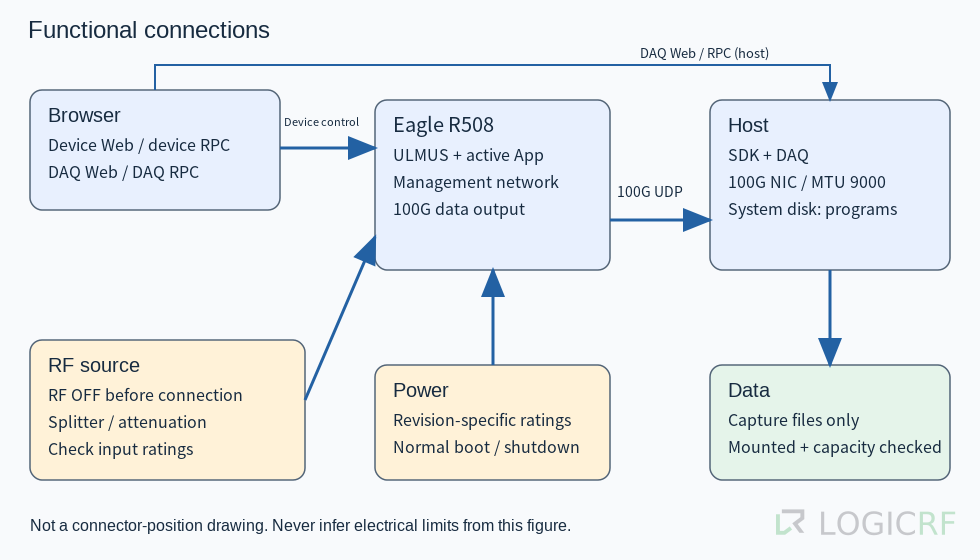
The management network provides sign-in and device control. The 100G network carries acquired data to the receiving server. Check both links and available recording space before starting a task.
¶ Versions and interfaces
Match framework, app, SDK and DAQ as a delivery set; RAW/STREAM/SAM do not share one app version number. Version notes retain existing combinations and compatibility differences. Use the delivery manifest, running identities and current device manifest for this unit; do not infer its current version from the largest historical revision in a table.
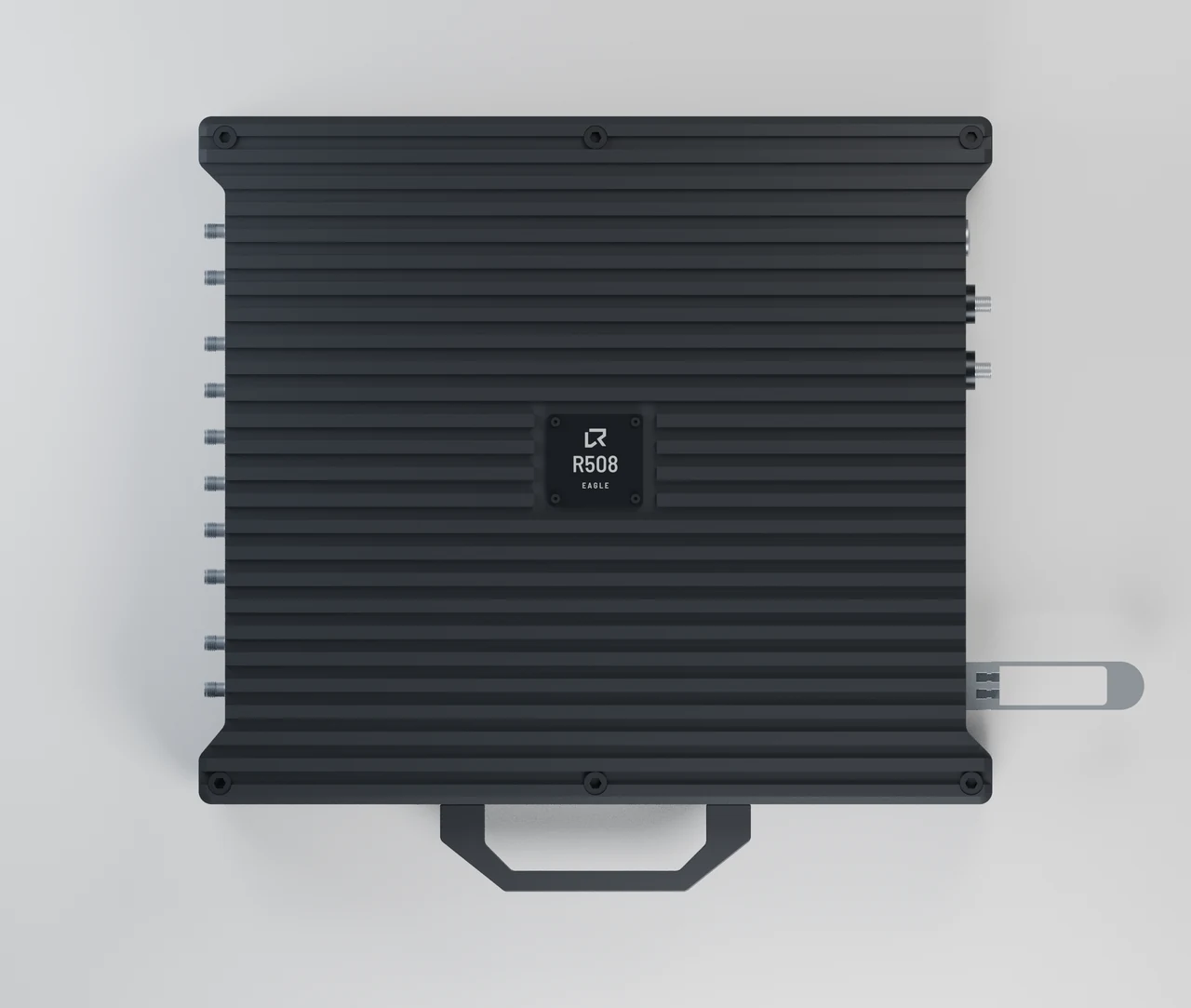
Logical channel numbers do not identify physical connectors. Check RF input, power, clock and cooling requirements against the matching hardware delivery specifications. Complete electrical and mechanical specifications are not included on this page; obtain them before wiring.