ULMUS runs and manages applications on the device. From a management computer, check the active application, readiness and switch outcome. Host reception and storage are covered in the SDK and DAQ guides. Software overview
¶ Where each component runs
This diagram illustrates cooperation through the documented R508 adapter. Use each product’s interface and delivery guide to select its applicable entry points.
DAQ uses the SDK to receive compatible UDP data and manages recording tasks, files and metadata. SAM uses the device snapshot interface. The active application manifest defines channel, bandwidth and start/stop methods.
Host reception and parsing · Recording tasks and files
¶ R508 integration: sign in and identify the active application
Before you start. On the management PC, obtain the device's management IP and delivered account. These earlier Chinese-language screens show the controls. Use your own device for identity and task settings.
- Open the device Web address in a browser. R508 defaults to
http://DEVICE_IP:8080/; replaceDEVICE_IPwith your unit's address. If prompted, change the initial administrator password and sign in again.
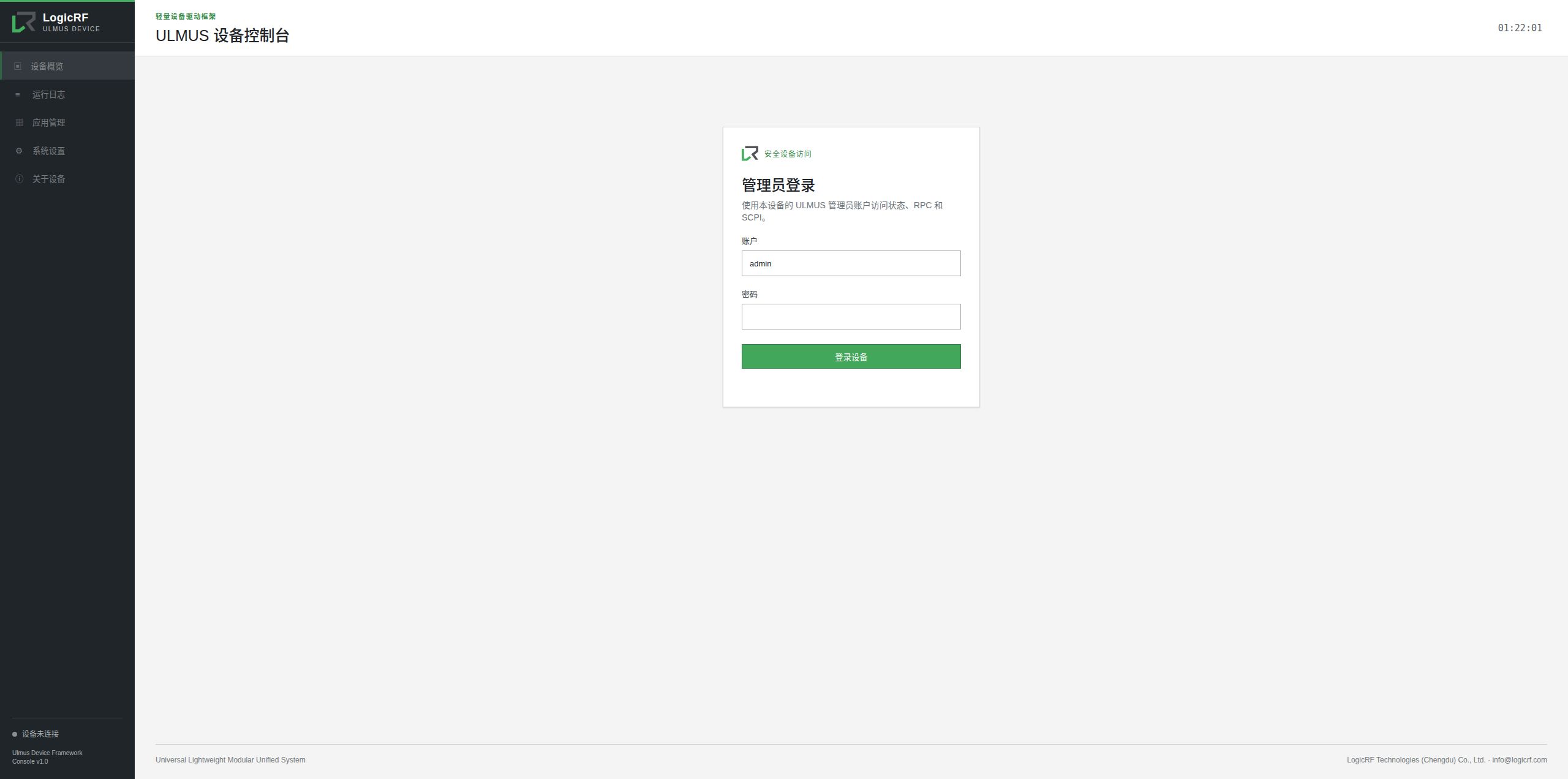
Interface demonstration. The delivered frontend runs against an isolated service with teaching data.
-
In Device Overview, check the model and unit identity. In Application Management → Deployed applications, check the installed list, the active application and readiness separately. Select Switch for an application already installed.
-
Before switching, the task owner stops transmission and recording, allows the receiver to drain, waits for the file commit and checks for idle. Switch the application, then read its active identity, release UID and manifest again. Configure the receiver once the application is ready.
-
Use a named client token for programmatic access. The R508 device RPC defaults to
http://DEVICE_IP:8081/rpc. The DAQ endpoint and token come from the host deployment record. Sign out when leaving a shared computer.
Result and recovery. Continue when the active identity and release UID match the delivery and the application is ready. If sign-in fails, check the management address. After a switching timeout, read the transaction status and active identity and retain the logs.
¶ R508 applications and interfaces
Customer units include RAW, STREAM and SAM. They start in STREAM with acquisition stopped. The documented combination is ULMUS FW58, RAW42, STREAM App04 and SAM2. Check the device management page and delivery manifest for your unit.
¶ R508 interface reference: switch safely from code
Check these methods exist in the current manifest; availability depends on the framework version.
| Method | Parameters | Interpretation |
|---|---|---|
| application.status | {} | Current App, installed list, latest transaction |
| application.switch | application_id, safe_stop:true | accepted:true and transaction_id mean acceptance only |
| application.switch.status | Returned transaction_id | Wait for state:committed, then reread manifest |
Send these requests to http://DEVICE_IP:8081/rpc using a device client token authorized to switch applications. Replace DEVICE_IP with the management address. The management browser and the host DAQ service use their own credentials.
- Ask the task owner to stop the DAQ task and device output. Allow the receiver to drain and files to commit, then confirm idle with DAQ
server.status. - Call device
application.statusand record the installed signed application IDs, release UIDs and active application. - To return to the default STREAM application, verify that the signed ID below is installed and send this complete request once to the device ULMUS RPC endpoint. If STREAM is already active, check readiness directly.
Management client → device ULMUS RPC · Verify switch permissions; substitute the application or transaction ID.
{
  "jsonrpc": "2.0",
  "id": 1,
  "method": "application.switch",
  "params": {"application_id": "eagle_r508_stream250", "safe_stop": true}
}
- Record result.transaction_id and substitute it below. Poll about every two seconds. After timeout, query the original transaction instead of resubmitting.
Management client → device ULMUS RPC · Verify switch permissions; substitute the application or transaction ID.
{
  "jsonrpc": "2.0",
  "id": 2,
  "method": "application.switch.status",
  "params": {"transaction_id": "<RESULT_TRANSACTION_ID>"}
}
- After committed, verify target/release UID/ready and refresh SDK/DAQ capabilities. rolled_back means rollback finished, not target success. For rollback_failed preserve state and worker logs; do not START or edit symlinks.
¶ Earlier interfaces and next steps
Use the screenshots to identify the controls. The installed manifest identifies the software version and default application on your unit. Check About and the running manifest on your unit, then open R508 releases and updates · Troubleshooting.