DAQ Server manages acquisition tasks, data reception and storage on the receiving host. It uses a matching device adapter and SDK, tracks task state, and manages files and metadata. Clients use the interface provided by that deployment. Software overview
¶ DAQ responsibilities and the SDK dependency
DAQ Server runs on the receiver and exposes tasks, recording, files and analysis to browsers, Workbench and business applications. The matched SDK performs device control and high-speed reception. The management web page does not receive the 100G IQ stream, and DAQ does not replace ULMUS or the active application on the board.
The matched installation workflow validates and installs the SDK before DAQ. For daily use, start the managed DAQ service and connect to its Web/API; operators do not launch another SDK receiver. The public deployment tool still requires the delivered signed packages, installers and verification key. Workbench is obtained separately through its desktop delivery channel. See server installation and SDK delivery materials.
¶ Multiple R508 devices on one server
One current DAQ instance is configured for one upstream R508 and one application contract. It is not a pool that dynamically switches between devices. Plan a separate instance, device credential, Web/RPC ports, task/state directories and capture directory for each device. Each service contract must match its device's active application.
Management access to several devices does not establish concurrent isolation on a shared 100G port. Separate processes, different UDP ports or separate data IPs do not automatically let two DPDK receivers share one PCI NIC/queue. Identical device data IPs must not be placed together on an unisolated network. Use delivery-approved independent receive paths and validate the aggregate NIC, PCIe, NUMA, memory, CPU and disk load. See the multi-device deployment example.
¶ Before starting a task
Complete a recording. Select a writable volume, create your task and compare receive and write counts. Stop on the chosen condition, wait for receiver drain and file commit, then use the metadata to read valid lengths. If a request times out, check task state and retain the logs.
Install a matched SDK and DAQ on the receiving host and confirm the mounted volume is writable. Obtain the DAQ Web and RPC URLs from its deployment record. Read the device identity, active application, readiness and available operations. Give start and stop to a single task owner.
Device management · Receiver buffers and parsing · STREAM first desktop recording
¶ R508: start, stop and verify a recording
- Open the deployed DAQ Web interface on the receiving host. Confirm that the recording volume is mounted and writable and has space. Use your assigned DAQ identity. Device management and DAQ use separate credentials.
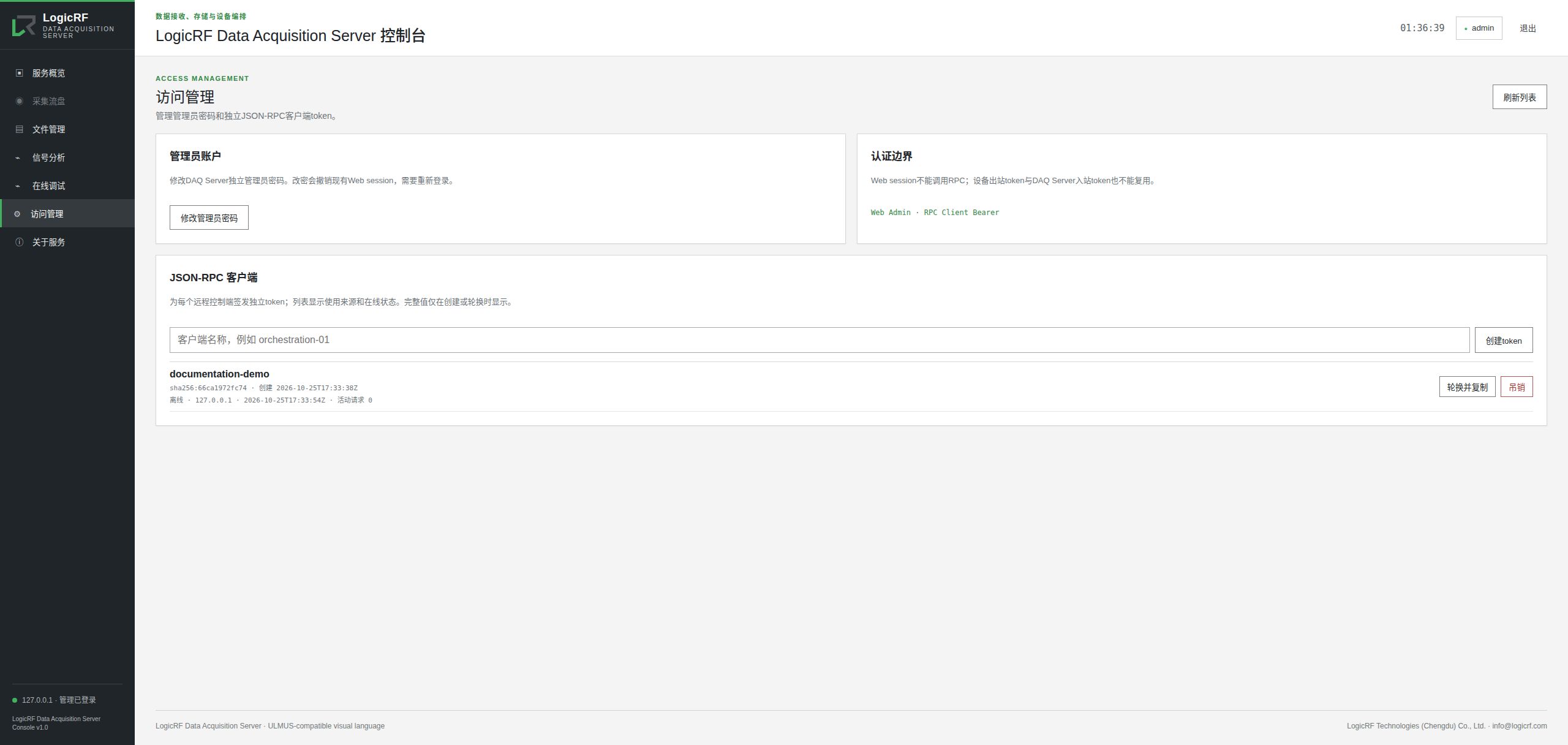
DAQ frontend 4aaff10b running against an isolated synthetic service. DAQ clients and device accounts are configured separately.
-
Read
server.statusanddevice.status. Check the device is connected, STREAM is ready and another owner has no active task. SelectBW8M_10MSPS, ADC1–8, V1 and one flow, then verify the output directory. DAQ request fields -
Start a bounded recording and note its task ID. Watch receive and writer counters, error increments and remaining space. Workbench operators can follow the illustrated walkthrough. First recording walkthrough
-
On the stop condition, or after stopping your own task, wait for transmission to stop, receiver drain, file commit and idle state. Open
task.jsonin the task directory and read each part up to its valid-byte count. Preallocated tails can contain padding.
Expected result. A finished task has a committed data file and matching metadata. For zero bytes, check device run state, data address, link, counters and volume permissions. On a stop timeout, query the same task, keep partial files and errors, and release resources owned by your task.
Troubleshooting · SDK buffer and data path · Delivery components and access
¶ Check file lengths and channels
Read the valid byte count for each segment from the task metadata. If it exceeds the actual file length, investigate an interrupted recording. Exclude any preallocated tail. Compare channels from the same task at the same sample rate and time window. Workbench
¶ Earlier FLEX workflows
This bookmark belonged to the earlier FLEX workflow. Current R508 deliveries start in STREAM. Follow the current recording procedure for settings and file checks. STREAM